

How do I set up Monthly Giving?
There are two ways to set up monthly giving, EFT and Online.
Online Giving
Online Giving is available at JEMS.org. It takes only 5 minutes to set up! You can use Visa, AmericanExpress or Mastercard. You can stop the monthly giving anytime by contacting JEMS (213)-613-0022 or contact info@jems.org
If you have any questions, please call (213)-613-0022 or contact info@jems.org
EFT (Electronic Funds Transfer) set-up using mail
You can choose when to start and when to finish (or write “until further notice”). Using this method giving will automatically occur monthly.
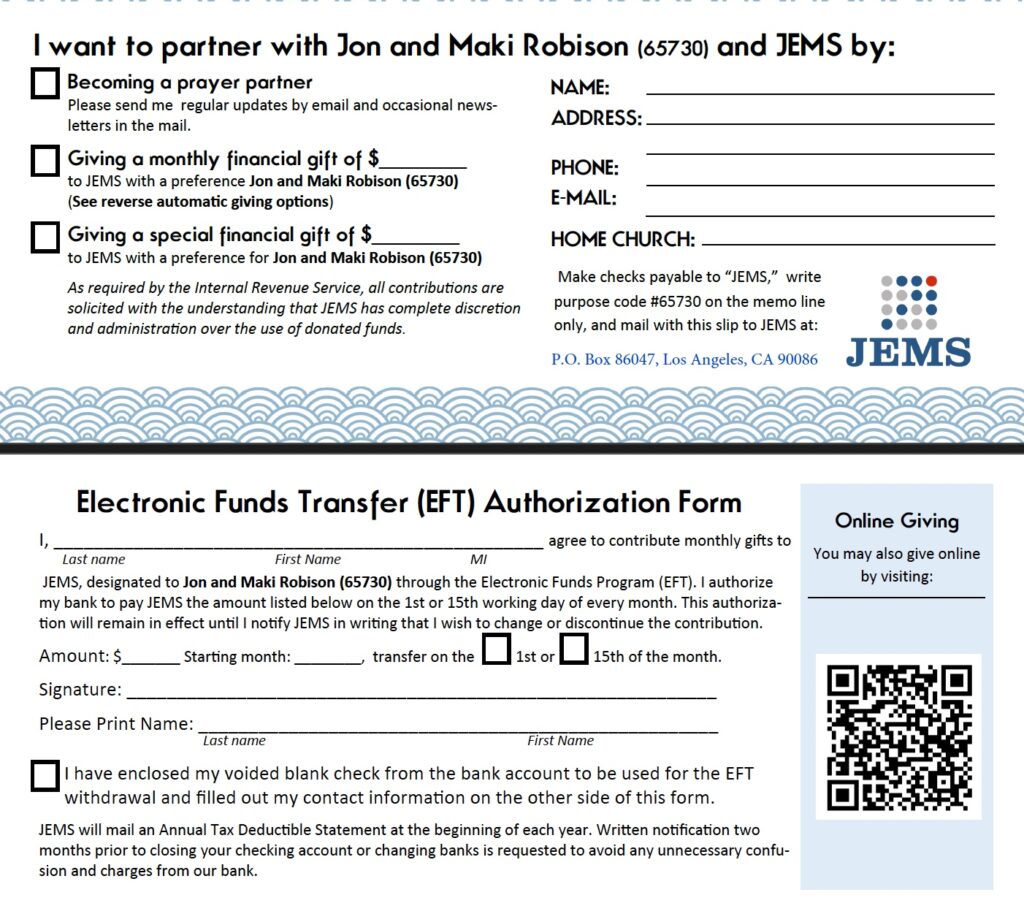
Print out the EFT form and fill it out.
Click HERE or the image of the form below to print out the form.
If you cannot print out the EFT form, please contact JEMS office at info@jems.org or call (213)-613-0022.
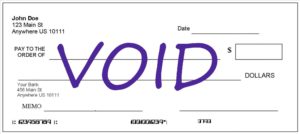
Prepare a Voided blank check from the bank account you wish to use for EFT withdrawal.
JEMS
P.O. Box 86047
Los Angeles, CA 90086-0047
Now you’re ready to start supporting our ministry financially!
If you have any questions, please call (213)-613-0022 or e-mail info@jems.org